

Dry your tears…
Even if Polaroid in February 2008 announced they would cease production of all instant film, you still have the possibility to fake it digitally.
Brandon at X-equals has made two new presets that simulates the look of the old classic Polaroid instant film; Polaroid 669 (ISO 80 Color Film). Brandon have contributed with great presets before so I think you should try these out even this time.
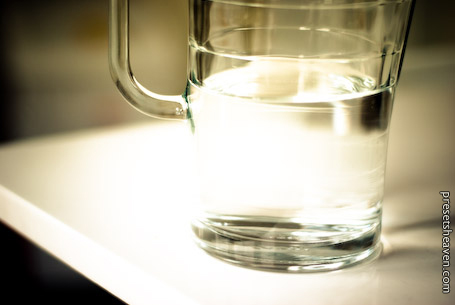
The first preset is titled x=polaroid+yellow and brings in the yellow color cast along with a heavily blown out highlights.
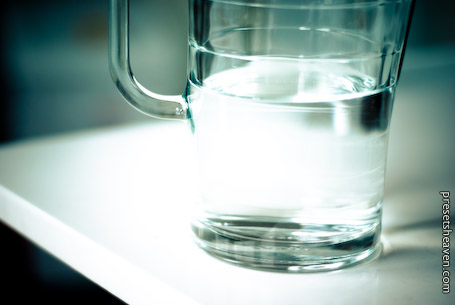
The second preset is x=polaroid+cyan and compared to the first preset, this preset gives a cyan/blue color cast.
Presets in action
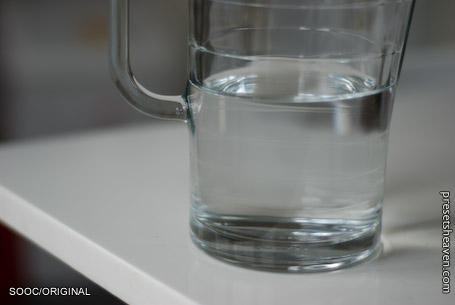
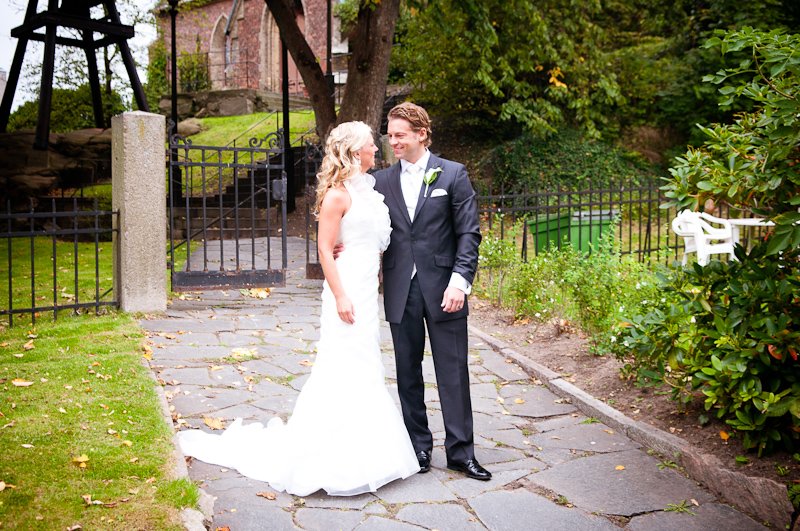
SOOC/ORIGINAL:
x=polaroid+yellow:
x=polaroid+cyan:
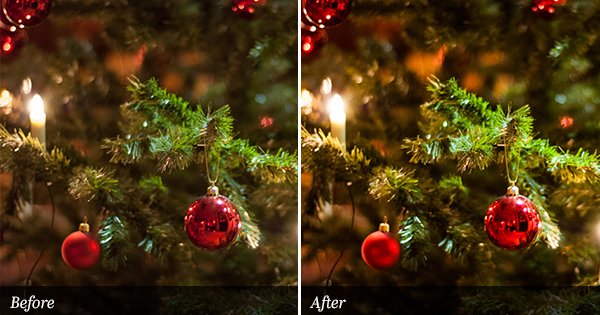
These two presets are created by 2 graduated filters that can be adjusted more as you wish. For more details about how they work and how to modify them, you should read more at Brandon’s blog

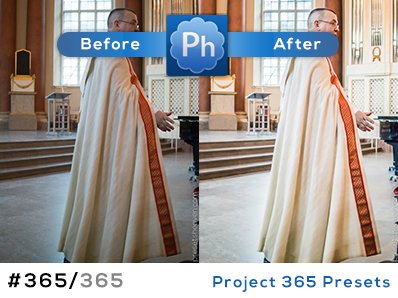
You’re the best Pierre!
|B
{x=}
Oh my goodness, this is awesome Pierre. Thank you so much!
I hope I’m not out of line, but do you think (pretty pleezzz) that you could make a polaroid boarder around this? (now put a cherry on top)
How cool would that be?
Any who, thank you again for all you do, I use your presets all the time.
Tom,
Use this to generate a nice border:
http://rawimage.deviantart.com/art/Polaroid-GENERATOR-V1-42651542
Then you can inset any image inside of it in Lightroom.
You can’t really do a Polaroid frame in Lightroom, but you can crop to a square (1 x 1) and export the resulting file. Then get in Photoshop or Gimp and add a Polaroid frame. If you can’t find a good frame online, just scan an actual Polaroid and layer your exported image over the Polaroid frame.
You can get a Polaroid frame for Photoshop here – http://www.flickr.com/photos/daveward/22778143/
Hey guys, there’s a great free border preset you can get here: http://www.photoshopsupport.com/tools/free-brushes/obsidian-dawn-frames-brushes.html
So just grab the polaroid image set, cut out the middle in PS, save it as a .PNG and import it as an identity plate in LR and bam – you get your toning AND your border. Polaroid is alive friends.
to clarify what I mean …
http://tomleuntjensphotography.wordpress.com/2008/12/30/nieuwjaar-voornemens/
And … ANOTHER good resource for getting that Polaroid frame into Lightroom:
http://jvl.stasis.org/pixelpost/index.php?showimage=599
Hey guys, thanks tons…. I’m going to check out now…
I just discovered this site, have been a fan of Lightroom since the beginning, especially for the creative inspiration driven by presets. I am definitely adding this to my blogroll to remind myself to come back often!
Thanks!!!
Thank you Mark,
I’m glad you like my site.
All the best!
/Pierre
I have fallen in love with your presets. My search for a good Lightroom preset site is over. Thank you for doing what you do! :)
Fantastic! I absolutely love the Polaroid look! I’m now officially your fan. :D
an amazing presets here!! Could you please send it to me to my email? I wasn’t able to open the present after downloading, thank you!!