

Sitting here with my laptop in my knees as I’ve done so many nights before:-) I Connected my 1TB external disk and opened Lightroom without any idéas on what to do. After playing around with the adjustments for some time I came up with this preset.
This is tonights attempt to simulate the feeling of an old photo that has been laying in the shelf since the 80’s. The name of the preset is “PH So 80’s”. Try and see if you like it.
Preset in action
SOOC/ORIGINAL:

PH So 80’s:


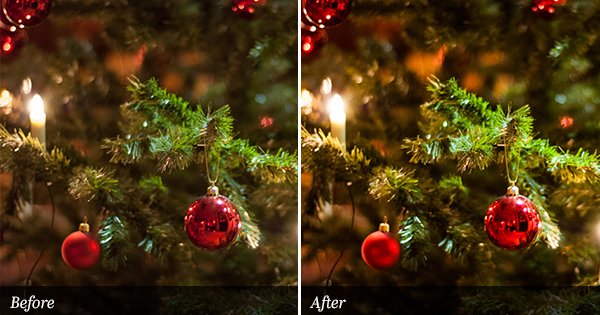
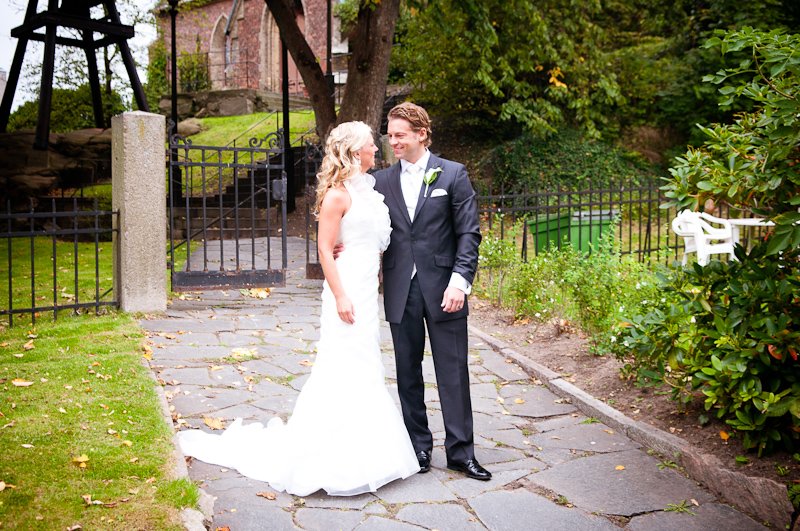
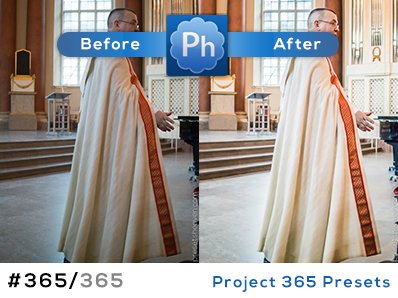
I love it. Thanks.
:-)
I was wondering if you could check the download link, it cames up with an error message. I love your site and the presets are great. Would love to give this one a try.
wow! so good!
thanks!
Tammy. The file is up and running again. Don’t ask why it didn’t work (dunno!) :-)
Thanks a million! Can’t wait to give this one a try!!
Can’t wait to try, what a fun idea!
hi Pierre. currently now i’m using CS4 for editng all my photos.
i have download several of your cool presets and until now i still dont’ know how to use your presets in Light Room (i’m still newby using Light Room).
My question is how to use your presets (lrtemplate file format) in Light room). help me please to solve this problem.
Hi Ronaldo,
Please see the movie tutorial in the right sidebar on this site to get instructions on how to install/import presets into Lightroom.
Thanks.