


Michael has done it again (thank you!). This time he has made 18 (9×2) presets that simulates color print film emulations! Well actually they are a collection of two sets. The first one has “auto-tone” applied and the second one is neutral/without. In my review I have chosen to only show you the set without auto tone. This preset collection is called MikeyG’s Color Print Film Presets Vol 1.
The presets simulate the following films emulsions:
- Fuji Pro 160C
- Fuji Pro 160S
- Fuji Pro 400H
- Fuji Reala +1 Stop
- Fuji Reala +2 Stops
- Fuji Reala 100
- Kodak Portra 160 NC
- Kodak Portra 160 VC
- Kodak Ultra Color 100UC
Presets in action
SOOC/ORIGINAL:

Fuji Pro 160C:

Fuji Pro 160S:

Fuji Pro 400H:

Fuji Reala +1 Stop:

Fuji Reala +2 Stops:

Fuji Reala 100:

Kodak Portra 160 NC:

Kodak Portra 160 VC:

Kodak Ultra Color 100UC:


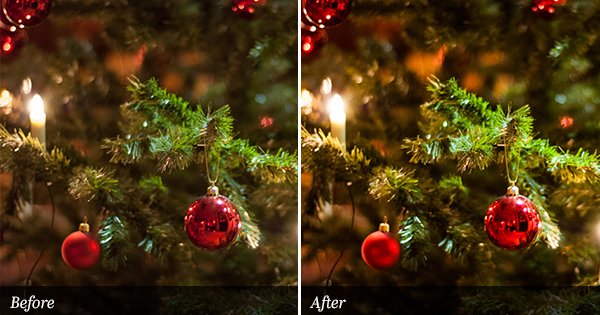
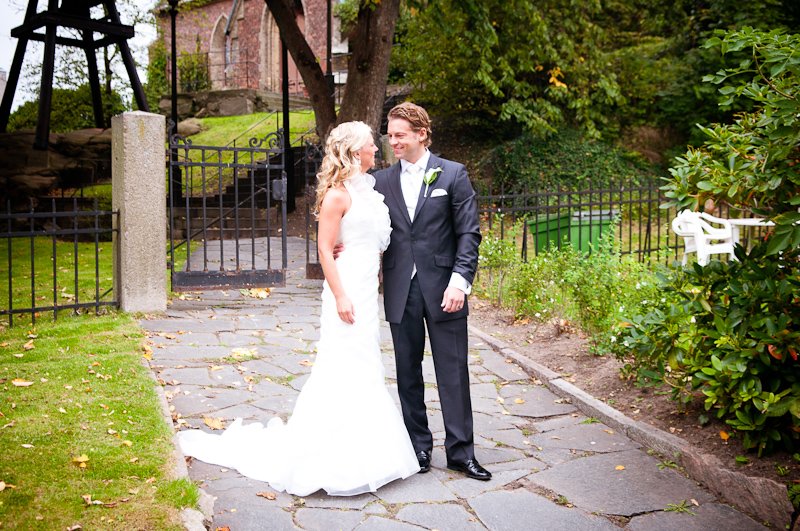
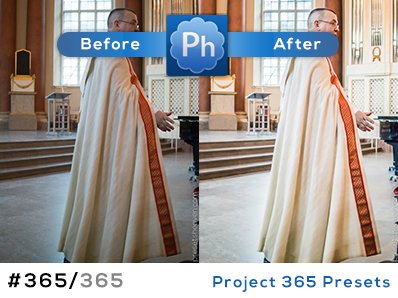
Thanks for posting my work again, much appreciated.
Michael W. Gray
These are very nice Michael. I have been trying them out on different headshots and they give great skin tones. Also as you click from one film to another you do get the changes you would expect to see in the films. It’s good to have some presets that don’t overcook the red channel which is then so noticeable on skin tones. Your right about the Reala +1 and +2. I soon decided I was not keen on those.
Can’t work out how on earth you get the time to do all of this though! Thank you.
Actually most of these presets were made over the course of 3 months of playing around. Now that I got a system for doing this down, it takes me about 8 hours to get them where I like them across multiple photos. With a full time job, and side photography & computer consulting work…and a wife and kid…lets say I sleep about 4 hours a night. But photography is what I like, and presets make my life easier and its something I can share.
Michael: thanks for sharing! great work!
I’ve been looking for great film emulating presets. Looks like I’m gonna have to keep looking! Most of the images look exactly the same, the highlights are all blown, and the saturation is out of hand. Back to the drawing board.
Hi Bill,
Perhaps some of these will work for you?
http://www.presetsheaven.com/2009/02/13/lidf-fuji-ilford-bw-collection/
http://www.presetsheaven.com/2008/12/13/12-black-white-film-emulation-presets-for-kodak-bw-films/
http://www.presetsheaven.com/2008/10/27/34-free-black-white-film-presets-for-lightroom/
Thanks,
Pierre
Appreciate the hard work, but did you do these on a color-balanced monitor? They really are blown out and over-saturated. Film in no way could have looked like that. ㅜㅜ
I’ve used many different kinds, just check out my Facebook for loads of examples, people are loving my pics
I’ve been looking for some great preset of fuji and these are excellent, I have seen some of your publications are great, congrats, well it giving a good look, like a real film, a quick question you have some preset for kodak?
Nice ones. But for a real film emulation in lightroom check this: -link removed-