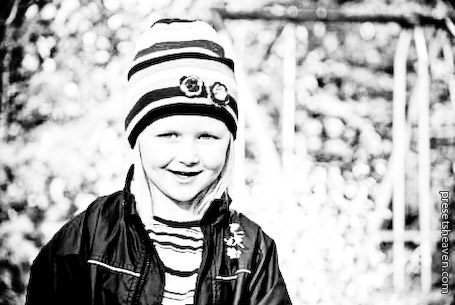
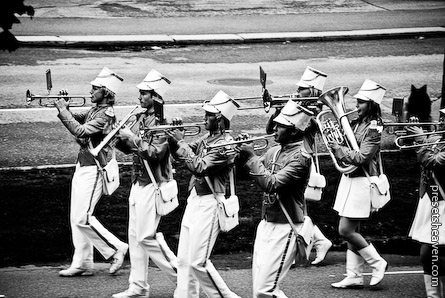
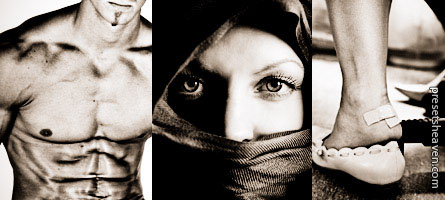
A new B&W preset for infrared lovers. Go get it!
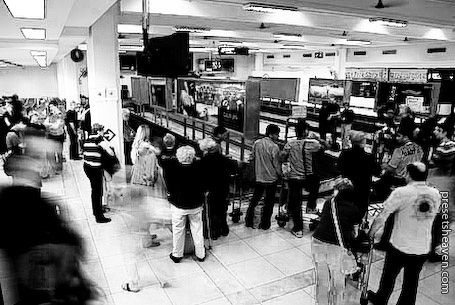
Guess what!?
Recently Giovanni Antico (a Lightroom lover like myself) sent me his own made Infrared Lightroom preset. I just had to try it out before I put it here. So here we go… Oh, Giovanni gets an extra star for mentioning PresetsHeaven on a seminar in Italy sponsored Adobe! Read more
Tutorial: How to import presets into Adobe Lightroom
Some people have contact me and asked how they manage to “install” the presets they download, into Lightroom. It’s really not that hard. A few simple clicks and you´re set to go for the effects. The best way to describe this is simply by showing you a screencast i just made a few minutes ago. Grab a handful of popcorn cause that’s all you can eat before the movie has ended :-) Read more
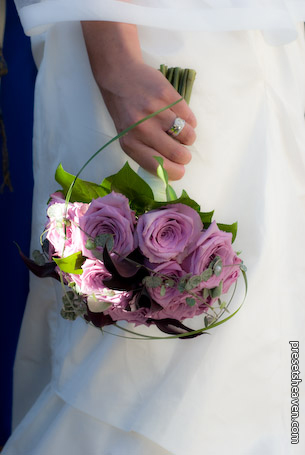
A wedding preset that makes your photos soft and dreamy.
Hey folks. First I’d like to thank all of you who subscribe to my updates, both by Twitter and RSS. It feels good to know you appreciate my work :-) Second, I’ve had a full weekend with a wedding photomission that led to lack of time updating the site :-( This Saturday I will shoot another couple who are getting married. Doing wedding photography is very nice since everything is so well prepared and all people are dressed up nicely. The weather gods has to be happy or the shots gets crappy… I’ve put up a preset that makes the bride and her wedding dress soft and dreamy, with a little touch of brightness. Read more
1 famous way to improve your photos – The S-curve preset
All right guys and girls, here comes one of the most common things we Photoshop lovers do when we want to improve our photos. It’s called the S-curve adjustment. -Now what is that? Well In Photoshop there are many ways to adjust the levels of the dark and white areas in a photo. By intensifying these areas, a greater contrast is achieved in the photo you’re editing. SOOC images you grab directly from your camera tend to have a dull layer above them. The S-curve is exactly what is sounds like, it’s a path that looks like an diagonal lying “S”. In Lightroom there is a setting called “Tone Curve” (It’s called Curves in Photoshop) it works exactly like in Photoshop. The only thing this preset does is to apply this S-curve setting on your photos. That’s it, just +50 Lights and -50 Darks. Pretty simple but very effective. The preset is called “PH CleanUp S-Curve”. Read more
Red Light District – Free preset for Lightroom that turns you red.
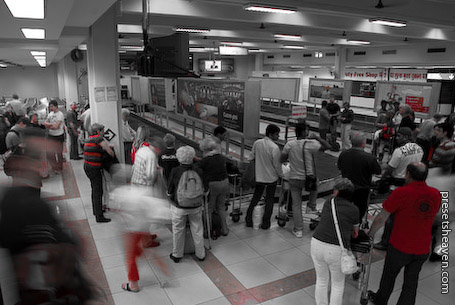
This basic preset erases all colors except red in your pictures. Kinda cool effect in some photos you want to stand out. Why not print a collection of photos using this style. Looks good in a combination on the wall I think. I named this preset “Red Light District“. Don’t ask why, just download it :-) Read more
2 more infrared presets in color!
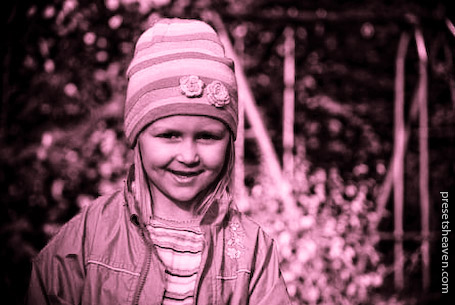
As I wrote in my last post, I’ve been working on another infrared preset with colors. I’ve been tweaking around with it back and forth until satisfaction was achieved. So here it is; the shiny new Infrared colorized set. It contains two variations: Blue and purple-red. My search log has spoken; “You” want infrared so here you have it. Read more
2 free BW infrared presets for Lightroom
These are my first Lightroom presets with the exploiting name “Infrared“. The usability of these presets might not be the best when it comes to professional photographers editing (they usually not like big modifications of photos). But hey, I believe most people don’t have to call themselves professionals to be able to make good results in what they do. So to all “I-love-presets” folks out there… here comes my first compilation of infrared presets. I’m working on a color-tinted infrared set as well, so stay tuned for that one coming soon. Read more
The 1st thing to do when a preset makes your photo look strange…
Ever wondered why your images doesn’t look as good as in the preview image for a particular preset? Well there might be an easy solution to it. Most presets you find, have been created for high resolution images like the RAW-format etc. A common thing to do when making these Lightroom presets is to apply various amount of “Sharpen”. Most of the time this value is set to 25 or higher (for high resolution images). Now that number is directly related to the image resolution. Read more
4 free Daido Moriyama presets for Lightroom
Ruben is back! This time he sent me the “Daido Moriyama Kit“. It’s a collection of 4 free presets with different amounts of the effect. These presets makes a gritty harsh black and white effect to use with high-ISO photos. They are perfect for photos you take during night on the street. Those times you wish you had a light sensitive lens, but instead had to use high ISO with the result of grainy pictures. Try them out yourself and you’ll see they come in handy… Read more
Sepia preset for Lightroom – Free download as always
Another sepia tone preset for Lightroom. There’s really not much to say about this preset. It just brings the fabulousness out from any image :-) This preset is called “Sugar & Spice Sepia“. I didn’t come up with that name, Nate did. Nate is also the creator of this preset. Check it out I think you like it. Read more