

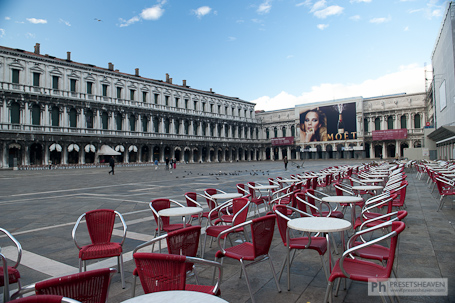
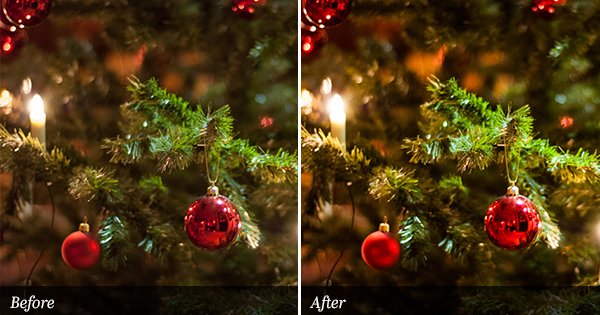
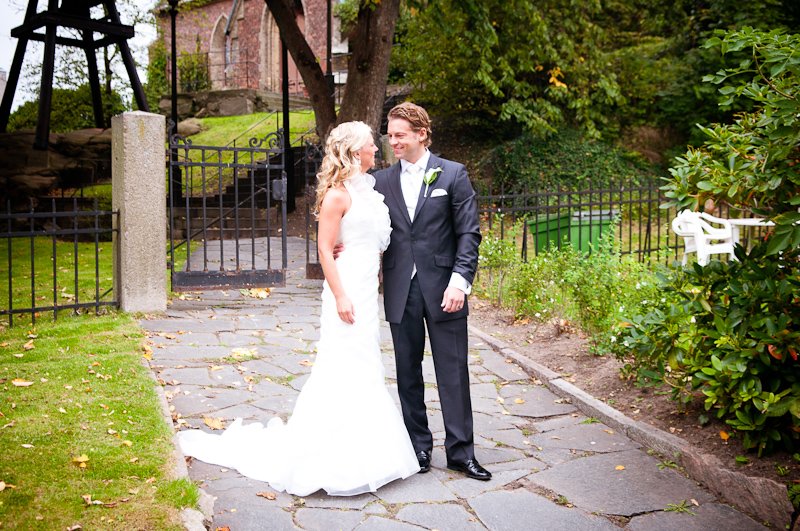
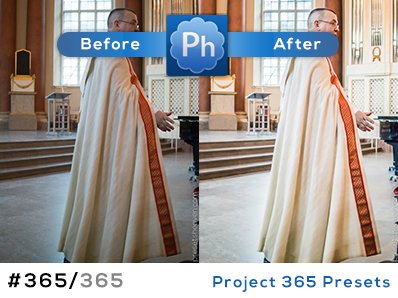
I can’t believe how long time its been since I made my last update/post. I’m truly sorry you had to wait so long but here I am again presenting you a brand new Lightroom preset kit. Apparently you folks really want to get that old vintage look on your photos (from what I can see in my mailbox with requests). In this series of posts I will update you with a new preset for each published one. Starting today with the first preset that gives you a pretty “purplish” vintage look for some of your shoots. As always – a preset might not look good on all photos. Therefore you will see more variations of this preset in the upcoming posts. :-)Preset in action
SOOC
Tonality PP


Interesting look, Pierre. I’ll give it a try. Thank you so much for sharing.
Thx Sunny!
Looks really great. Nice and subtle look. Good job.
I’ve spent literally all day on your site – it’s wonderful! Looking forward to seeing more presets from you. :)
thank you, your site is a tresure of gifts !!!
i’ve downloaded a preset. how do you get it to upload and work in light room after you have it? i cant figure that part out…
Hi Jessica.
Just see this video tutorial on how to install presets into Lightroom: http://youtu.be/liePXd2SlBA
would anyone please tell me how to install the vintage preset with windows??
Hi Najia,
Did you unextract the .zip-file before you tried to import it?
What version of Lightroom are you using?
Thanks for sharing…Good stuff :)