

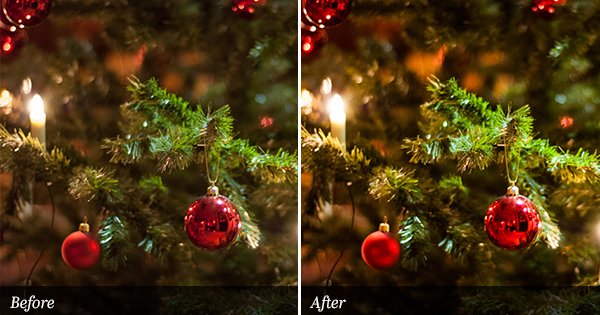
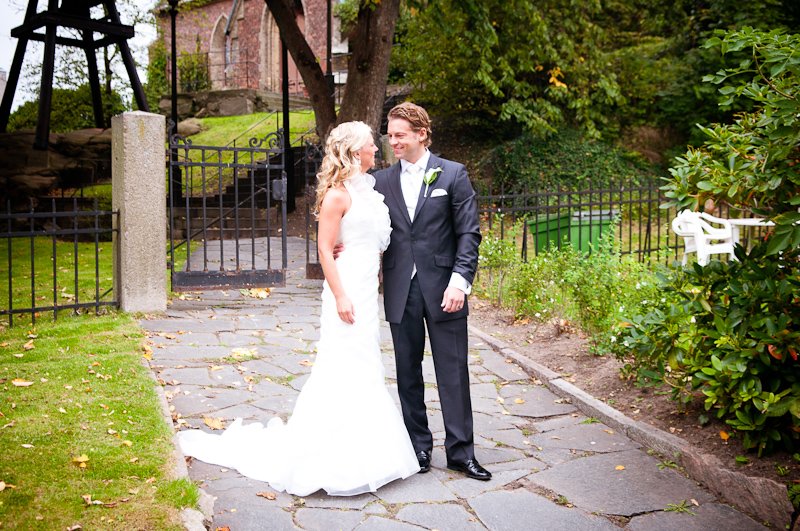
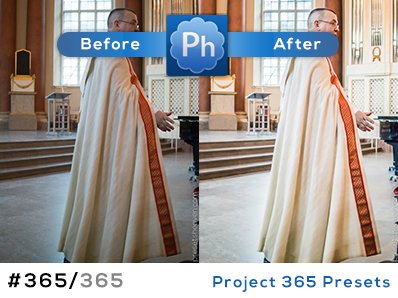
It has been some time now since I published a new preset. I’m sorry about that but I’ve been totally filled up with work and planning. I felt I just had to give you a new preset before the week end. This preset preset is called PH Dark & Light BW. I think it works great on some of my holiday photos. They tend to look more like an old postcard when I apply this preset. Enjoy.Preset in action
SOOC/ORIGINAL:

PH Dark & Light BW:


Love this one, Pierre! Thank you. Merci.
Thank you, Pierre.
Looks pretty damn awesome & dramatic!
Playing with this preset, I noticed that it’s beautiful with water shots! It makes the water look like mercury.
the effect on the clouds for tis one is awesome
muuuuuuuchas graciaaaaaaas, Pierre!!!!!!
merci bocoup!
thank you very much for making my life much easier!!!!
How do i load these presets in my lightroom after i’ve down loaded them???
Frankie, just watch the video in the right sidebar.
Love it! Thanks!
Terima kasih…
Thanks…
Regrads from Yogya
love this preset! but i try too replicate it on my own to get better on editing,but i cant seem to get it right, this effect seems to have a tint,that i cant get, how do you do this?
Hi Alea,

This type of tint effect is made using the “Split Toning” adjustment panel.
If you apply the preset and look at that panel, you’ll see that it has a color (Hue) and saturation (the amount of that color) set for the highlights (See image below)
Thanks, Pierre
Thanks again for another lovely preset!
So I lost everything on my hard drive, as soon as I rebuilt everything I loaded this preset! thank you so much for this awesome preset!!