

Happy holidays! I really hope all of you’ve had a great Christmas- and New Years eve. I’ve had a great time for sure. Lots of food and time in the sofa :-) The amount of subscribers to my weekly newsletter have increased rapidly the last couple of weeks and it’s so nice to see, after all it’s a free and nice service for all of you.
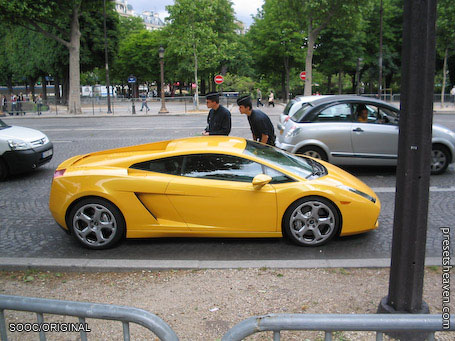
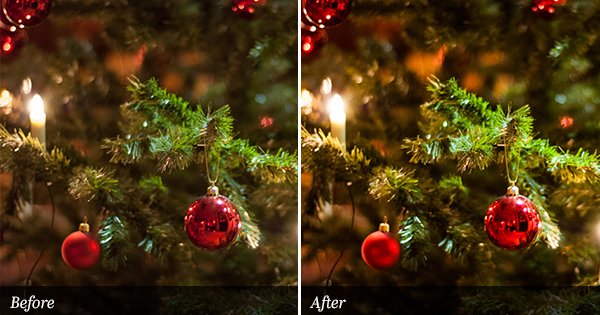
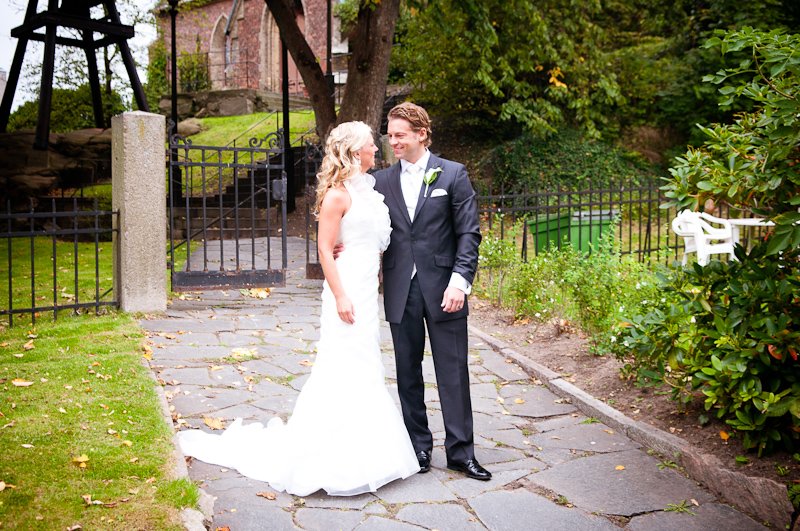
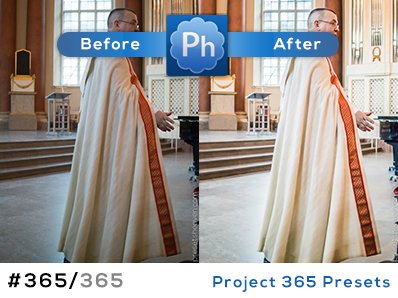
Anyway… During this holiday I have recieved a bunch of e-mails from many of you (thanks!). One of the e-mails were from Jasper who had included a preset that make your photos look “old school”; You know that feeling when colors are faded and the photos look like if they have been laying untouched in a box for many years . The preset is called “PaecKE’s old skool toning”…
Preset in action
SOOC/ORIGINAL:
PaecKE’s old skool toning:


That preset looks very cool…must give it a try!!
Thanks a lot….as always!!
Roby
Awesome! Thanks a lot!
Neat preset. Thanks for sharing. S
hey, i really want this look on some of my photos, and ive downloaded the preset, but once it’s in winzip, how do iactually go on it, it always just goes onto some codes!
cheers, j x
Hi John,
I’m not sure If I’m getting you right here, but I think your question might be answered by reading this:
Try this post to find out how to install the presets: http://www.presetsheaven.com/2008/09/24/tutorial-how-to-import-presets-into-adobe-lightroom/
Thanks.
hi!I’m just wondering are the presets only for adobe lightroom?Can I use it with adobe photoshopcs4? thanks
Hi Jen!
Yes, these presets are for LR only.
Hey, Many thanks for this!
MMMM… my love auto lamborgini)))