


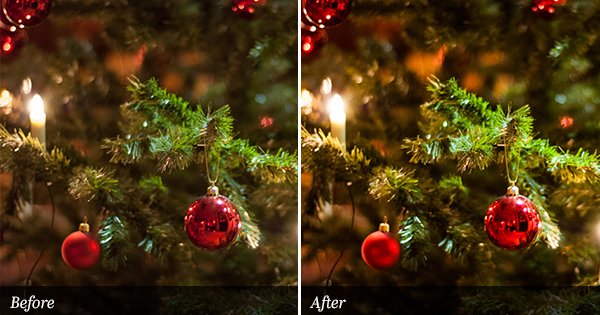
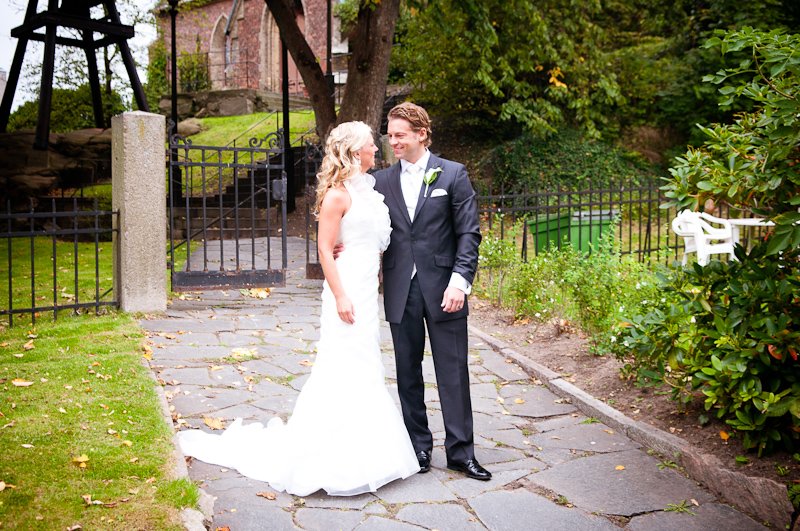
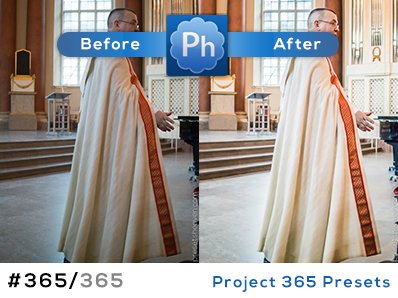
This is a response to a preset request in the presetsheaven flickr group. I’ve attempted to make a preset that makes the color subtly pop out, just near the limit to what is unnatural. When it comes to color adjustments in Lightroom, It’s always hard to make a preset that works for all images. The lightness and darkness in the images plays a big role here. I still think it works pretty good on most of my images. Check out “Subtle Color Pop“…
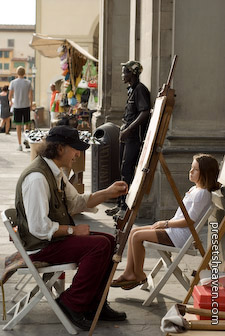
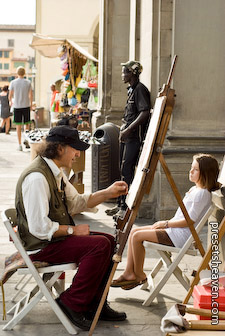
Preset in action
SOOC/ORIGINAL:
PH Subtle Color Pop:

Thank you so much!!!!
For those of us making our own presets, it’d really helpful if you included a brief description of what the preset actually does; ie. curves boost, orange luminance boost, ect.
Thank you for this great resource! Heard about it from studiolighting.net’s Light Source podcast.
Thank you Dan!
For those of you who want to listen to the podcast were presetsheaven is mentioned:
http://www.studiolighting.net/category/studio-photography-podcast/
Around 05:00 in the clip you will hear my site mentioned! Pretty cool!
Hello, I’m a new follower of presetsheaven. Kudos for making this site. Very helpful. I downloaded your CWB Boost presets which were great. I was checking out your preset PH Subtle Color Pop. I noticed after downloading, the file was very small compared to the other presets I downloaded (it was only 1 KB) and when I tried to use the preset in Lightroom, it didn’t work. Am I doing anything wrong? Thanks much.
Sarb
Hi Sarab,
I’ve tried the preset on two different computers and it works fine on both.
Try downloading the file once more though it might have been broken in the first place.
Thanks!
Best regards, Pierre