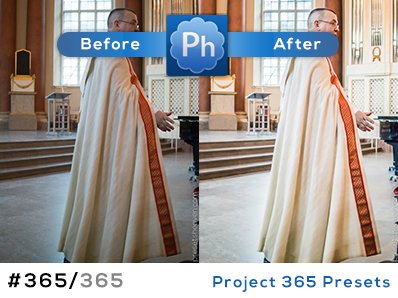
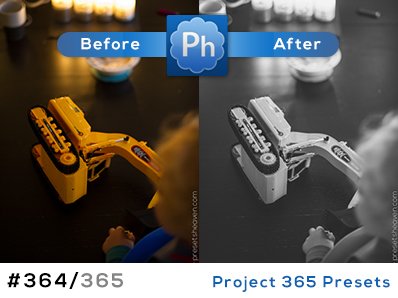
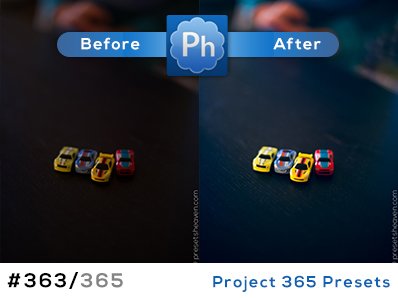
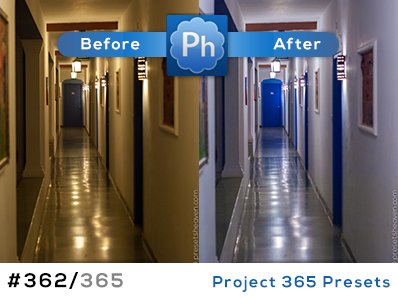
11 presets for night-shots by Sarah
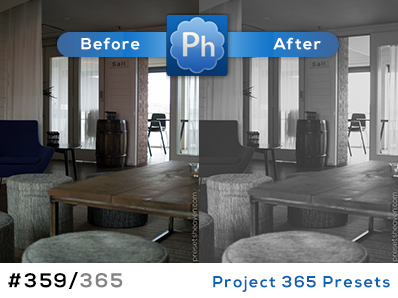
Sarah has once again made a great contribution to Presets Heaven. You probably already got some of her presets in your presets archive but these are 11 brand new ones. “-These presets will not impact exposure and brighness, so you’ll want to adjust those setting either before or after applying the presets to get the results you want. Also, since these are specifically for night-time shots that may have required a high ISO, the noise reduction settings will not be impacted by the presets, as you will want to adjust those yourself depending on your personal tolerance for noise. And while these presets were developed for RAW (uncompressed) files, most of them should work for JPEG files as well; you’ll just need to tweak a little more here and there.” Read more
11 presets for different autumn feelings
Sarah-Ji just sent me a contribution including 11 (!) presets. All of them with a theme of autumn colors.
These presets are non-destructive to basic exposure settings for the most part, so you will want to apply the settings AFTER you have corrected things like exposure, fill light, black, brightness and contrast. Check them out… Read more
Export to FTP with Lightroom
When you’re making webgalleries in Lightroom you are able to upload your gallery directly to an FTP-server. But if you are a photographer who just wants to upload your files to an FTP-server, without the gallery files (html, flash etc.) you’re toast… until now. Read more
6 new presets to “wow” your photos
I’ve been sitting here for hours now. Playing around in Lightroom, testing and adjusting before I finally got satisfied. Photoshop have a nice feature called “Curve adjustments” where you can change the color channels (RGB) separately with a few clicks with your mouse. I really wish Lightroom had that feature built in. Anyway, I started this session by doing some curve adjustments in Photoshop. When I was satisfied I tried to accomplish the same result in Lightroom. It’s really not that easy, I can tell for sure. A couple hours of testing and I’m sitting here with 6 new presets. Actually it is a set of three presets with two options each; one with vingettes and one without. Read more
Dramatic Ocean – For both sky and water
I was sitting here with my old crappy laptop (you can’t even imagine) trying to be creative for a moment. After three crashes I almost gave up but I was to close to my goal…
Recently there was a “great” storm outside and I just had to take a ride out to the ocean to see it in action. I probably took about 150 shots before I went home again.
Actually I wanted to try to make some new HDR images (with three or more images merged) but my tripod was way to cheap to stand against the wind for multiple EV shots. Anyway I still got some nice shots and some that didn’t reached the top-10. Read more
Timesaving Features in Lightroom 2
It’s not hard to get started in Lightroom. You find your ways to navigate and use the software. I’m not going to tell you that you’re doing it wrong, but maybe you can do it faster… Jolieanne Kost from Adobe shows you a multitude of Adobe Lightroom 2 features that can make a huge difference in your overall workflow in this Lightroom 2 tutorial. Read more
Get that old retro look
I just received an email from Nellka. Included was this preset called “Retro” that I think you should check out. Read more
A Zurich Street Scene Preset
Just recieved an email from Andrew, including a preset called “Zurich Street Scene”. It’s available in two presets with lower and higher exposures. Why nog give it a try? Thx alot Andrew! Read more
New release: Lightroom 2.4 ready for download
Today Adobe released version 2.4 of Lightroom and version 5.4 of Camera Raw. You can download the updates from www.adobe.com/support/downloads
Both Lightroom and Camera Raw adds additional raw-support for another 31 cameras, including Canon EOS 500D, Nikon D5000 and 18 Hasselblad models (See complete list below). Read more
A preset that make your photos soft and fashionable
Hi there folks!
Lately I’ve been busy with all kinds of stuff except updating PH with new content so I felt it was time to make, at least one, contribution before the week ends. This time I’ve made a preset that will try to simulate a special kind of fashion photos. You know the ones with a soft tone and less contrast? It’s hard to achieve in Lightroom but I think I got pretty close on this one. You should try it out to see if it suites your own shots. Some of mine did pretty well actually.