

Hi all!
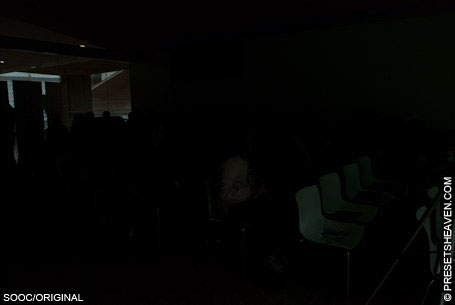
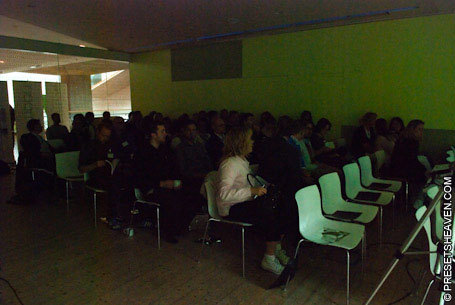
Yesterday I was on a seminar about web trends and took some photos. The light in the room wasn’t good enough to take photos without using a flash. Still, I took some test-shots before I turned my flash on and the result was not satisfying at all. In fact, some of the photos was so bad you couldn’t see what was on them. Fortunately I had my external flash with me and was able to take some really nice shots on this day. But, imagine you just had one shot and no flash this time and your photo turned into blackness… Well, the camera always sees more than your eyes can handle. So with this in mind I took one of the really bad test-shots that were taken during this event and made a quick and dirty preset just to make the invisible information in the photo visible.
Dark images are low on color information so when they get lightened up in a software like Lightroom, they will get “grainy”. It’s like taking a photo in the dark with really high ISO value with your camera. Grain/noise will appear and this is unavoidable in most cases. This preset lighten up the dark photo and reduce the grain/noise a lot. Use it when you really need to see what’s behind the scenes in a “black” photo.
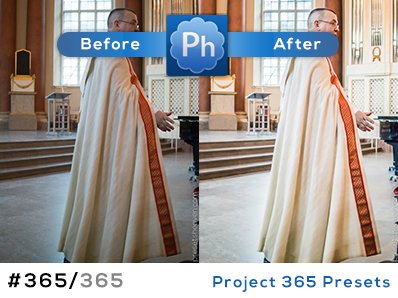
Preset in action
SOOC/ORIGINAL:
PH Invisible to Visible:

Thanks – I try to avoid taking these shots, but it happens. I’ll give this a try.
A nice preset – not aiming at making a photo beautiful, but usable. I’d like to see more of these. Thank you!